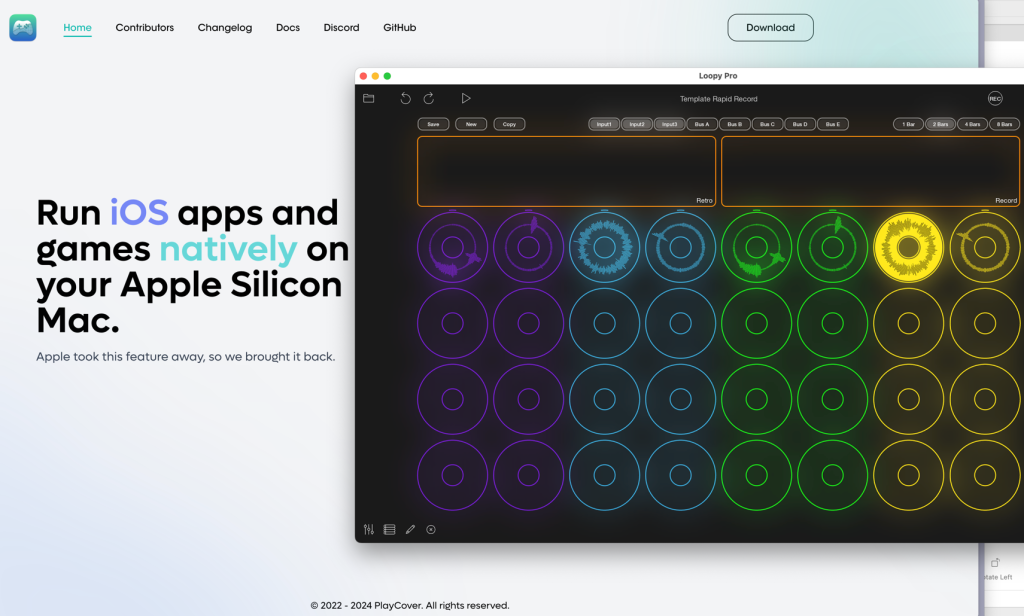

As you know, I’m really digging Loopy Pro, an iOS app that is somewhere between a looper pedal, full-blown DAW, and rapid user-interface builder. Overall, I’ve enjoyed using an iPad to brainstorm musical ideas. It reduces friction and makes it so you can always have a tool for recording ideas wherever you are.
The challenge with Loopy Pro on iOS is reorganizing a messy brainstorming session, whether that’s moving clips around or renaming clips (rather than the default Clip 1, Clip 2, Clip 3, etc.). And unlike some iOS apps, it’s not possible to install Loopy Pro on a Mac from the App Store. There is a Mac version of Loopy Pro under development. But until then, I was curious if there is an iOS emulator I could use to install Loopy Pro to make it easier to reorganize messy projects or make tedious templates quicker to build.
Turns out, yes. It’s called PlayCover. It took a little bit of effort to set up and figure out where the data is being stored (so I can transfer the project files). But it didn’t take too long to suss out. And it really does make a difference. Of course, in the process of setting this all up, I thought of ways to prevent my Loopy Pro brainstorm sessions from getting so disorganized in the first place. But until there is an official Mac version, I’m glad to have this option of using Loopy Pro.